
How To Register Your Signal Long Range Device Fixed Edition
Register Your Device
1. Create a pour in the ConcreteDNA app
2. Select the sensor type Signal Long Range in the app
3. Scan the sensor to register
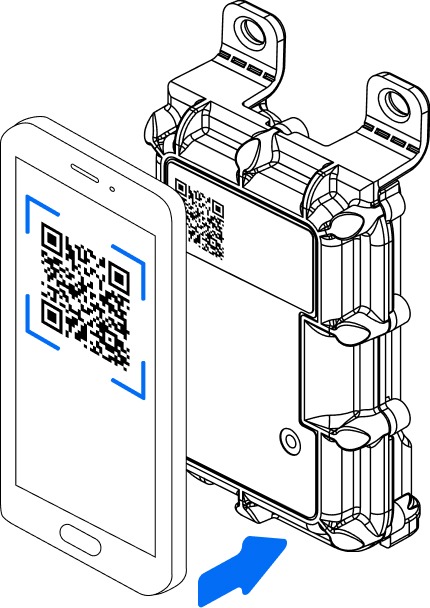
Install your device
Install the sensor at a maximum depth of 100mm
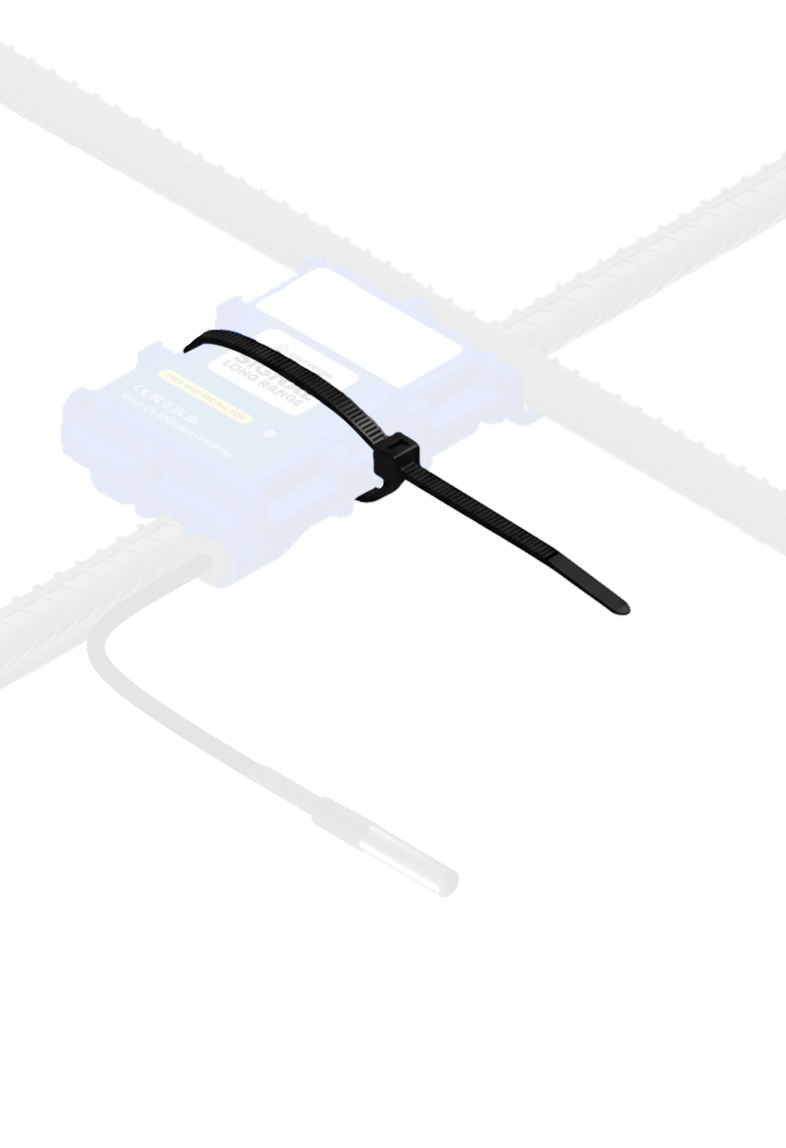
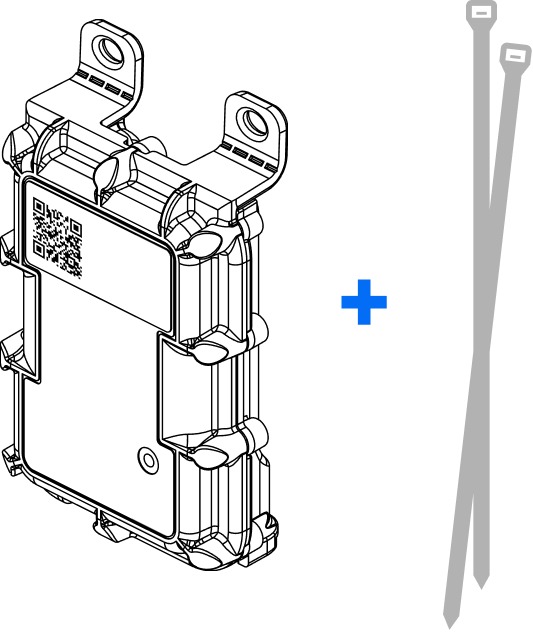
1. Attach the device to the rebar with the QR code facing upward
2. Secure the device with cable or wire ties to avoid it rotating during the pour
3. The device can now be covered in concrete