Data gap FAQ & Troubleshooting

Last Updated ·

Why are there gaps in my data?

Gaps may be observed in sensor data for different reasons.

Wet concrete

In the initial period after a concrete pour, the wet concrete will effectively reduce the range of the devices temporarily. Once the concrete has cured a sufficient amount, connection will be established again.

To test connectivity of our devices and to ensure optimal performance, it is always advised to check connection before pouring, and to install the devices in the correct orientation and following the setup instructions.

Device is out of range

If using a gateway, the device may have lost connection with the gateway.

Signal
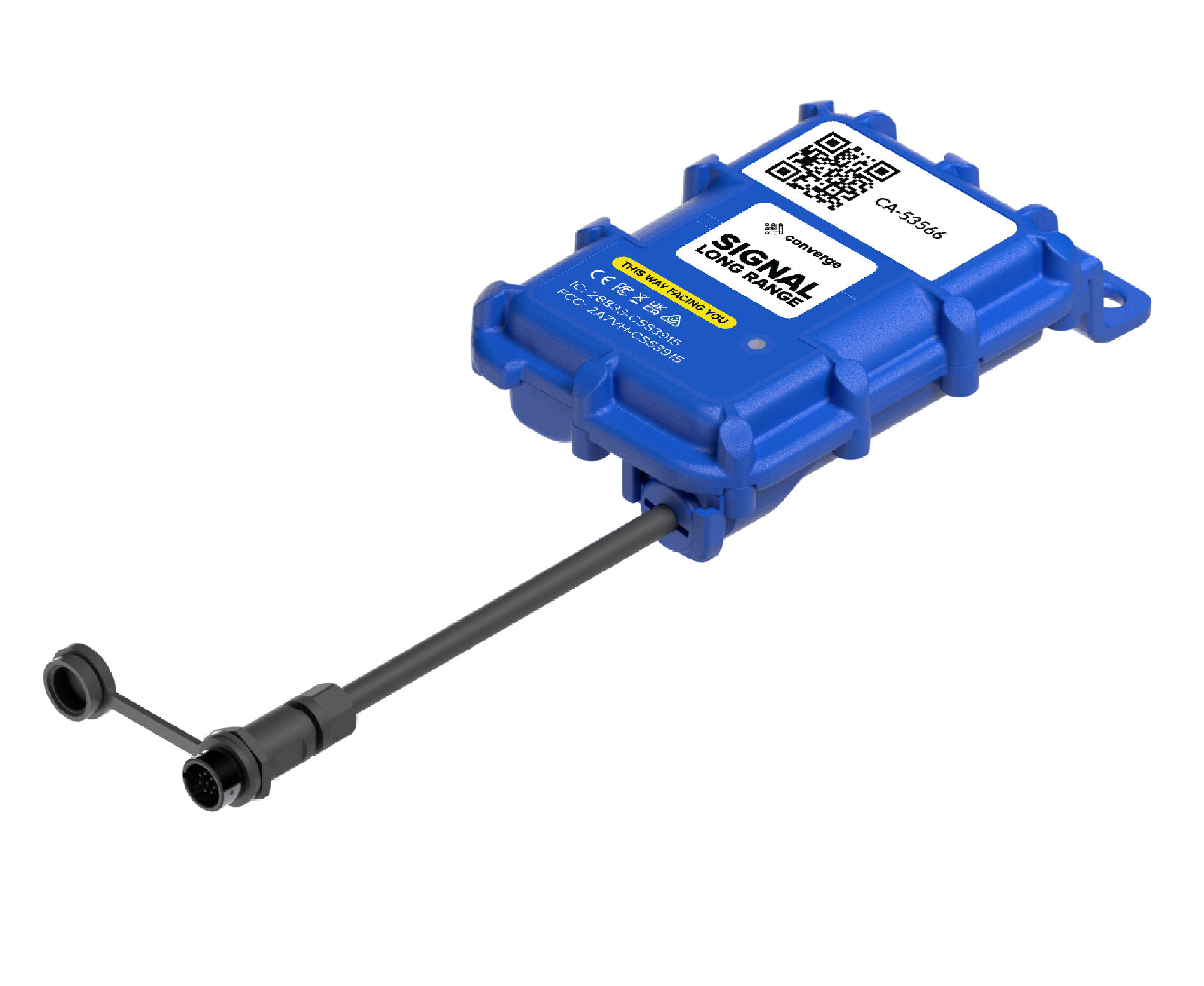
SLR sensor connects to gateway but data can also be recovered manually

If using a Signal device, ensure that the gateway is powered on and online, and that the Signal device has a clear line of sight to the gateway.

To recover gaps immediately, perform a manual data collection using the Concrete DNA app on a mobile device positioned as close as possible to the sensor.

Helix

Ensure a stable connection between the node and the gateway

If using a Helix device, ensure that the gateway is online and that the node is in range of the gateway.

Hold the ‘Send data’ button on the node for 5 seconds and check the ConcreteDNA app for current data and connection status.

The cached data will be offloaded and the gaps should gradually recover.

More troubleshooting information for connecting to gateways can be found here.

Related
Notifications in ConcreteDNA
Setting Sensor Covered Times
Reporting over Maturity Values (Equivalent Age or Temperature Time Factor)
Organisation Admin
How to set pour time on sensor
How to standardise pour naming
Set temperature differentials and thresholds
Offline data collection
DeWalt Jobsite Setup
How do I add users to my site?
How do I switch between sites?
How to contact the DeWalt Support Team
How do I use the ConcreteDNA App on my iPad?
How do I restart the app?
How to contact the Converge Support Team
Which phone settings do I need to turn on?
Issues Collecting Data
Where should I place my sensors in the concrete for best results?
Check concrete performance?
How do I check what hardware is on my Signal site?
How to set up an alert about a specific strength or temperature?
How to configure strength calculation?
How to get concrete monitoring reports?
Monitor temperature differentials in mass concrete?
Clearing your Cache and Cookies in Chrome
How do I Download the ConcreteDNA App?
How do I get my concrete mix loaded onto the app?
How do I create a "Pour"?
Maturity Curve Fitting Process

WE'RE HERE TO HELP

Still need help?